Blog
Push notifications
Overview
Stay informed of interactions with your notes by receiving real time push notifications. Push notifications are available in all major modern browsers and can notify you of activities such as your note being accessed or the contents being shred, even if you are not on the NoteShred website.
When you are within the NoteShred dashboard you will still receive notifications, but they will be regular in-page notifications, much like when you create a new note.
NoteShred push notifications use an industry standard ServiceWorker implementation which provides native operating system notifications when using modern browsers such as Chrome and Firefox.
Push notifications use browser specific technology and are entirely opt-in. You can opt out at any time using the standard browser controls for push notification management.
Notifications will be sent for the following events on all notes:
- Note shredded
- Note viewed
- Note attachment downloaded
- Note login attempt failed
- Note locked due to failed logins
Push notifications are available now, free of charge, to all NoteShred users.
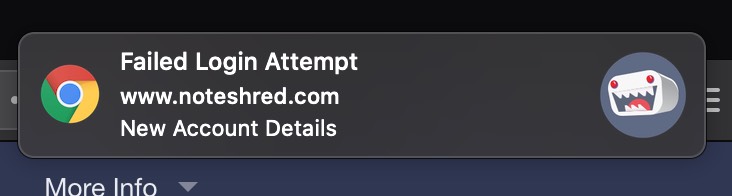
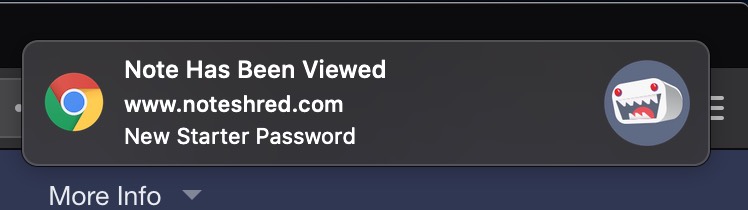
Push notification examples
Example notifications when using Chrome on macOS.
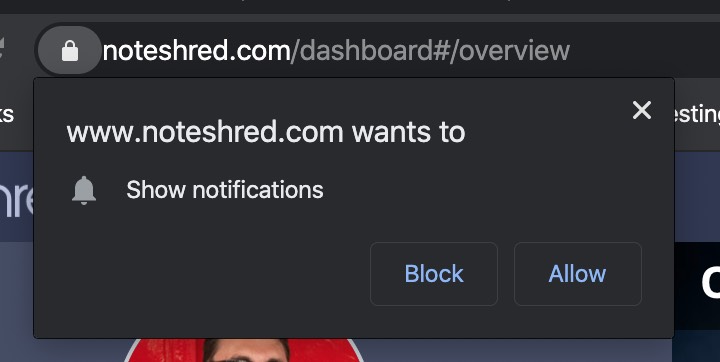
Enabling push notifications in Chrome
When viewing the dashboard you should initially be presented with this prompt — click "Allow". You will not be prompted again.
Enabling push notifications in Firefox
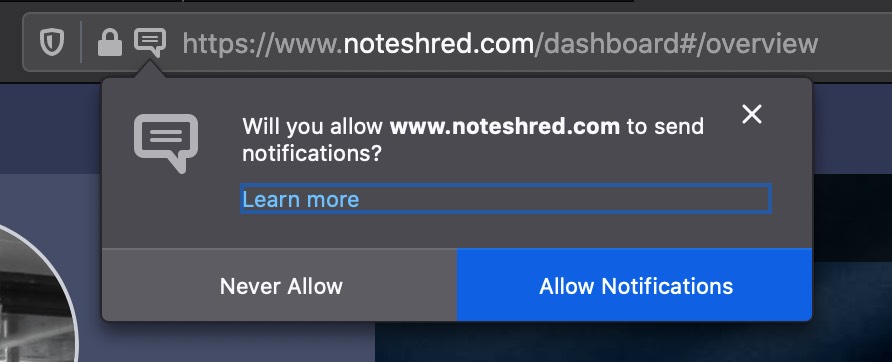
Firefox will not prompt you, but you should see a little notification icon in the top bar jiggle. Click it, then click the "Allow Notifications" button.
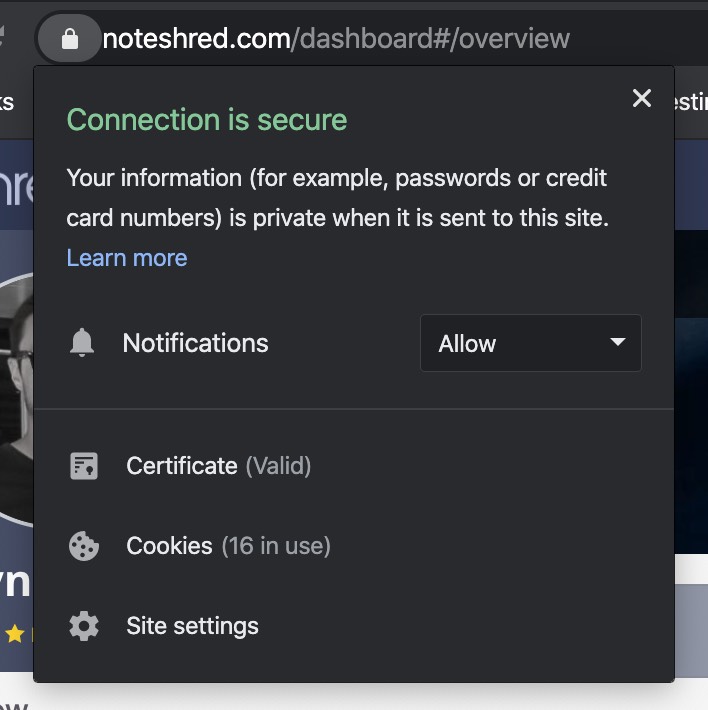
Managing push notifications
Notifications can be toggled on or off from within your browser's management panel. All browsers offer a way to disable or enable notifications for any specific website. Shown below is Chrome's notification management panel.