
Blog
Company branded notes
Overview
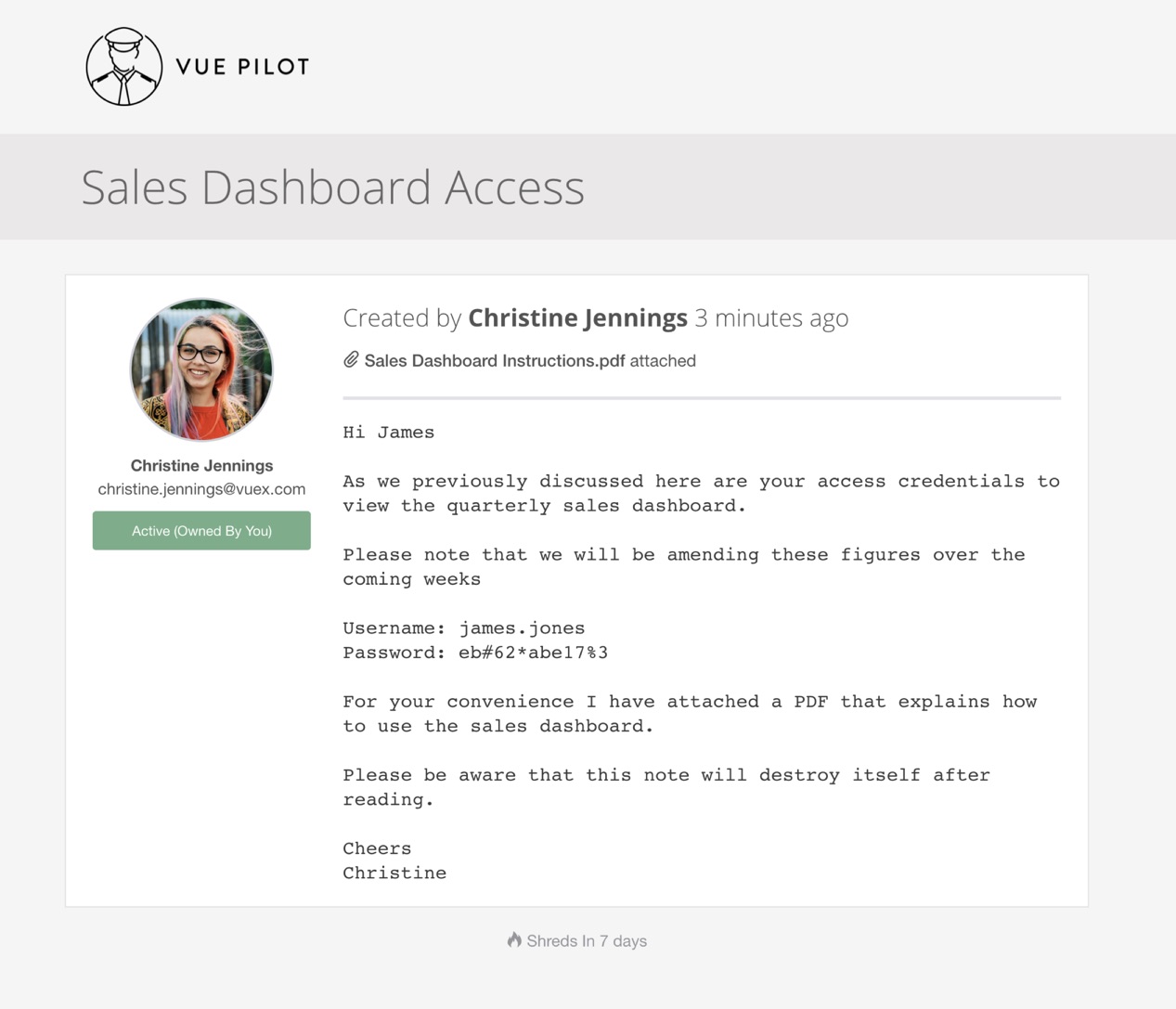
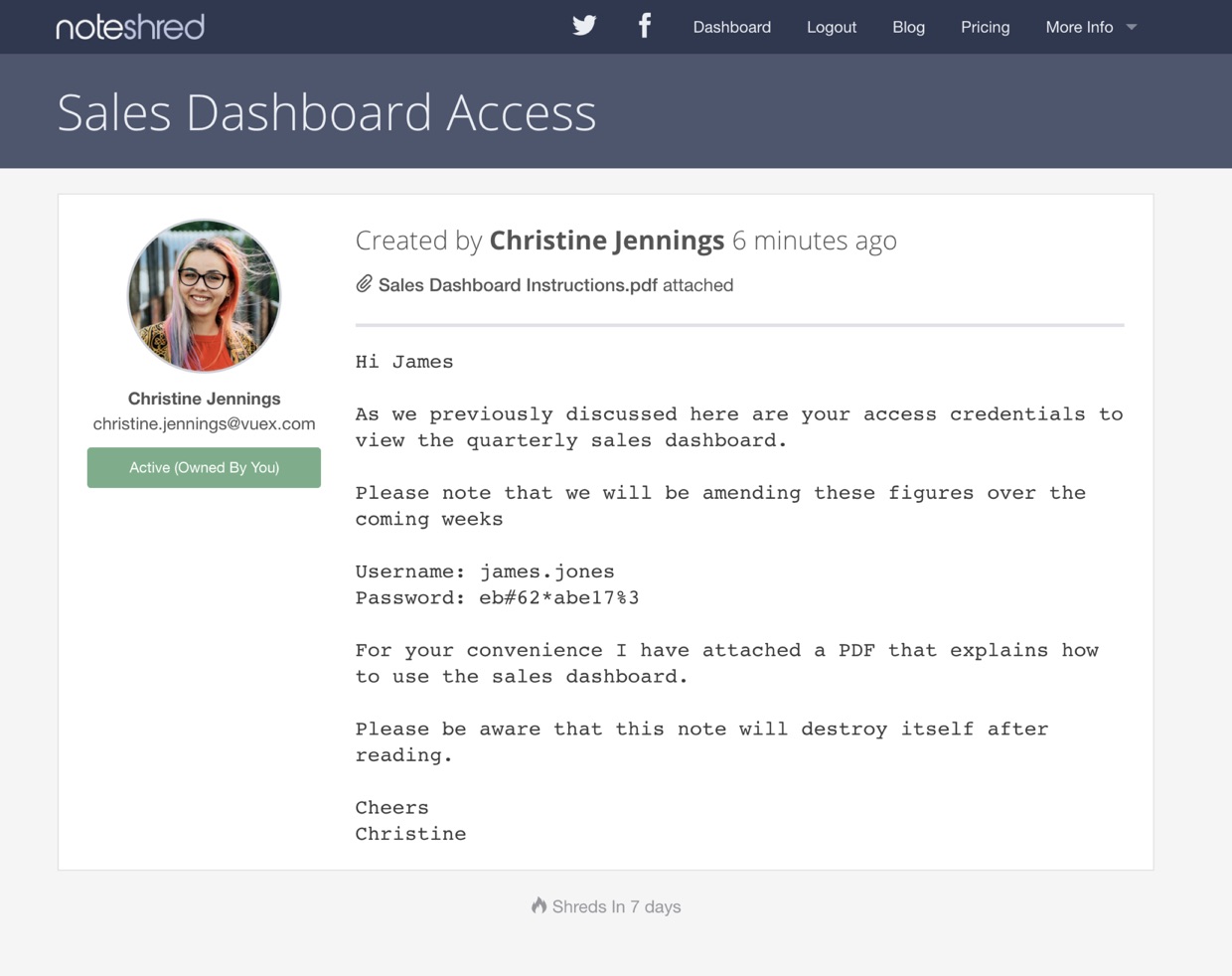
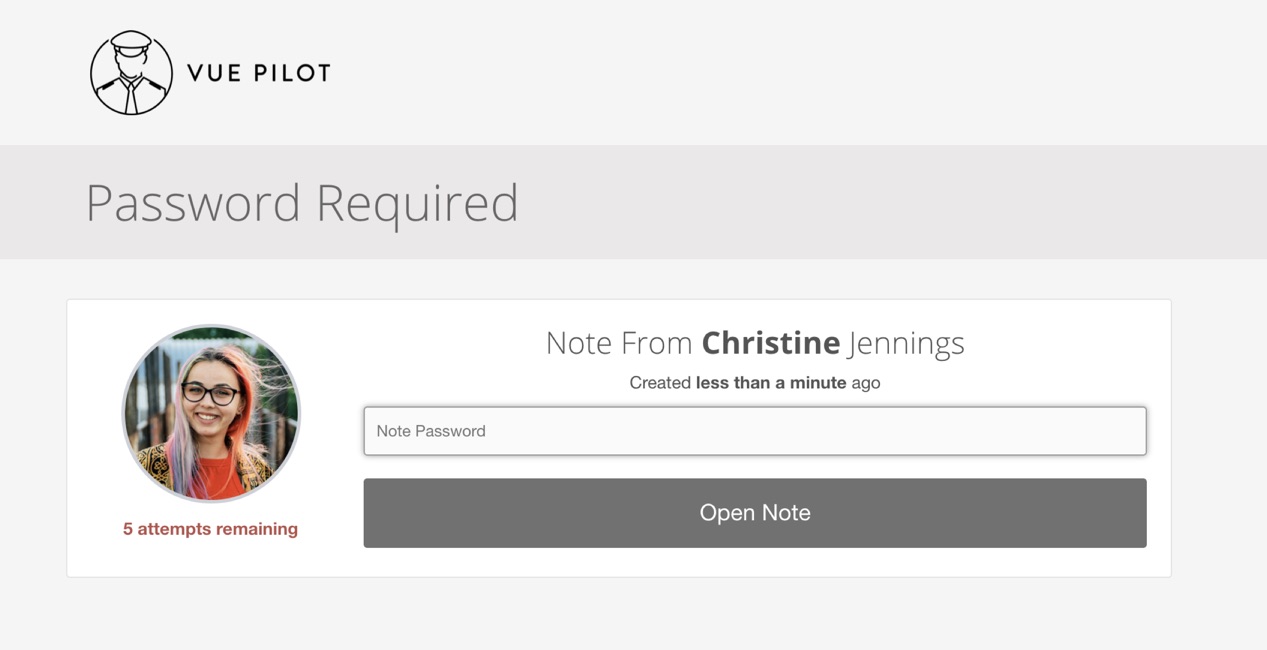
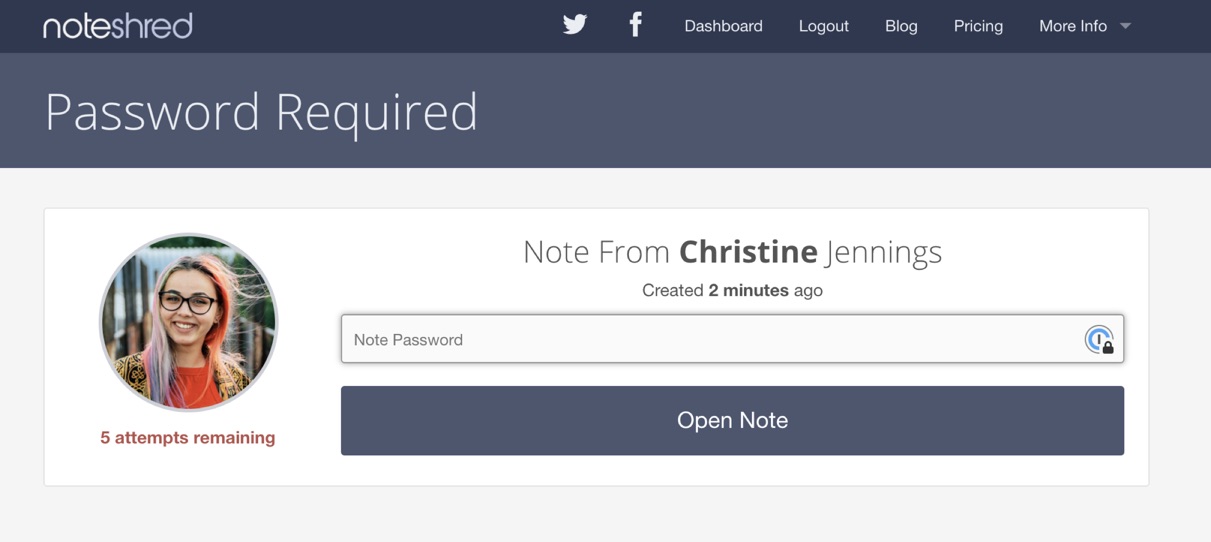
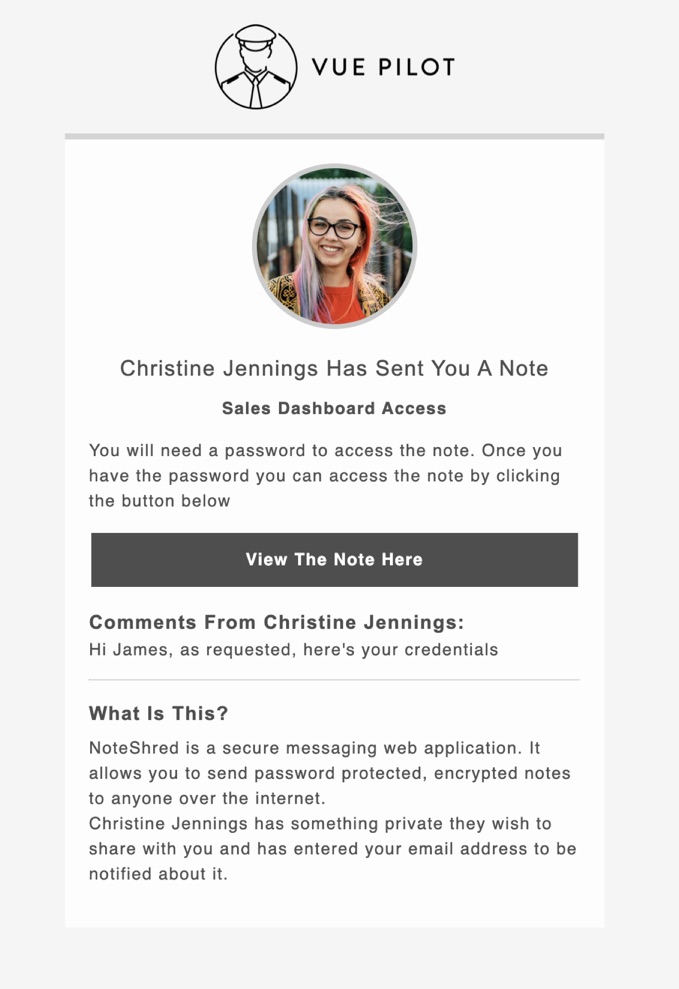
Add your company logo to your notes and remove all NoteShred branding, messaging and UI. Company branded notes have a different theme to the main site and are styled in a clean and clear format for business use. Clearly identify to your users exactly who sent them the note and what company they are from.
Branded notes are styled with a clean light grey and white look that allows company logos to sit naturally on the page. We recommend using .png images with transparent backgrounds, under 2MB in size and of a landscape perspective for the best possible appearance.
Company branded notes are available at no additional charge to all Business subscription holders. If you would like to upgrade your Standard subscription to a Business subscription, please contact us and request to be upgraded.
Examples are shown below — thank you to our friends over at VuePilot, who create fantastic digital signage software, for supplying the screenshots.
Examples
Viewing a branded note
Viewing a standard note
Branded note authentication
Standard note authentication
Branded email communication
How?
Simply log in to the dashboard and visit the subscriptions page, then click "manage" on your active subscription. You will be presented with an upload form that lets you attach your company logo, which automatically switches the theme of your notes and email communications.
Please note: if you have multiple subscriptions you will need to have the subscription with the branding set as your "active" subscription for notes to be branded.